How to Create an iPhone Home Screen Shortcut for a Web Application
To create a home screen shortcut for a web application on your iPhone,
follow these steps:
- Open the Safari app on your iPhone.
- Navigate to the website you want to create a shortcut for.
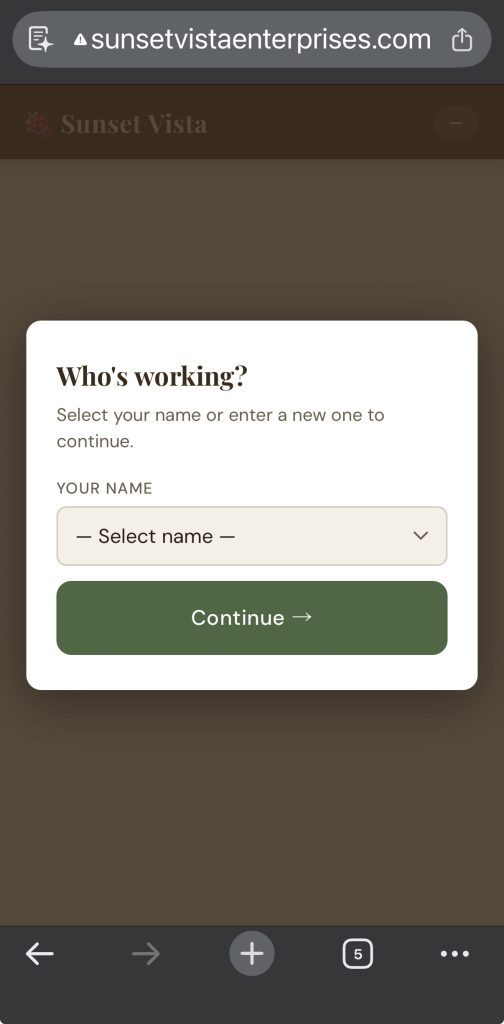
- http://sunsetvistaenterprises.com/my/work
- Select / enter your name and then continue to the Add a Job page
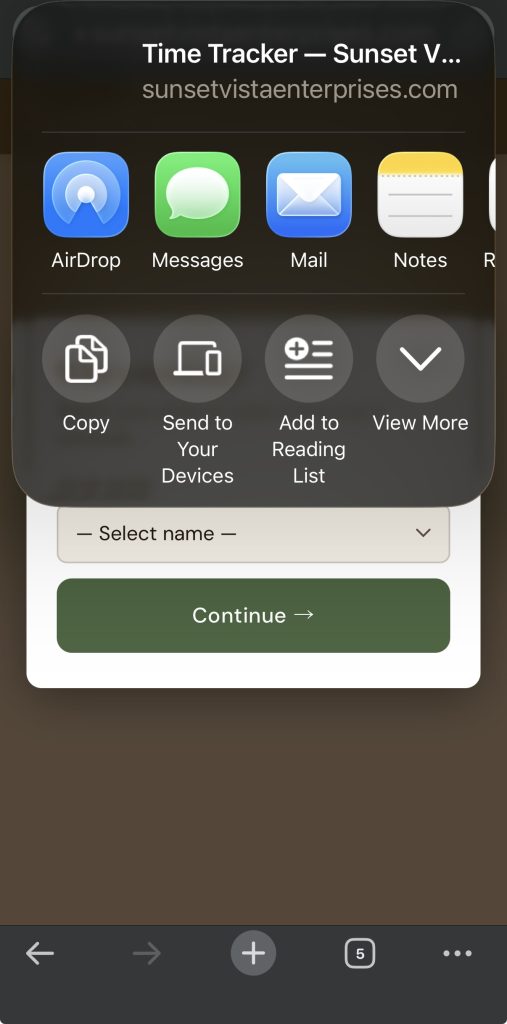
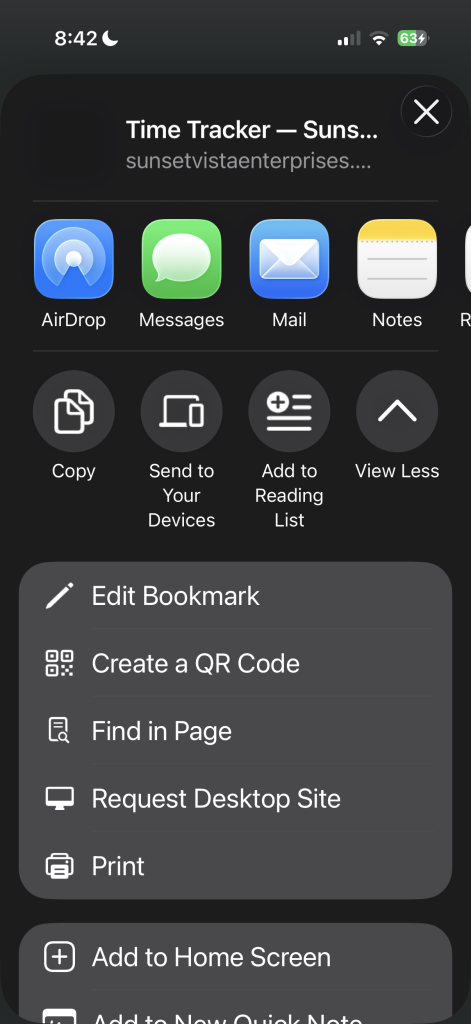
- Tap the Share button (the square with an upward arrow).
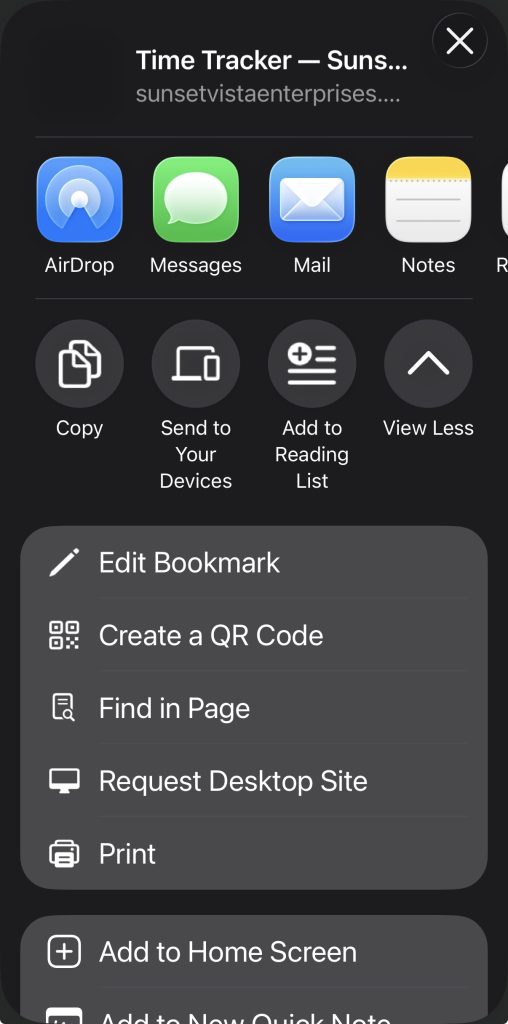
- Scroll down and select Add to Home Screen.
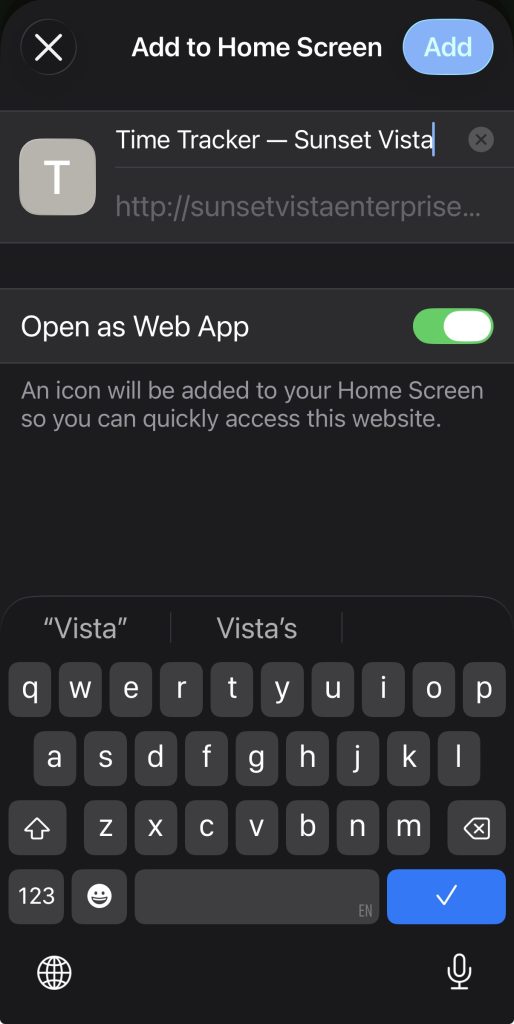
- Customize the name of the shortcut if desired.
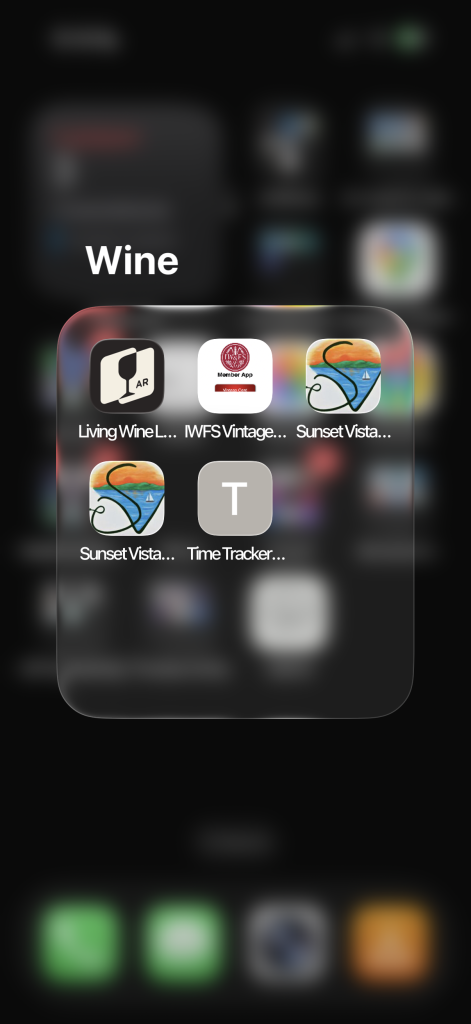
- Tap Add to place the shortcut on your Home Screen.
This will allow you to access the website with a single tap, saving you time and reducing the need to search or type URLs again and again.
Example screen shots: